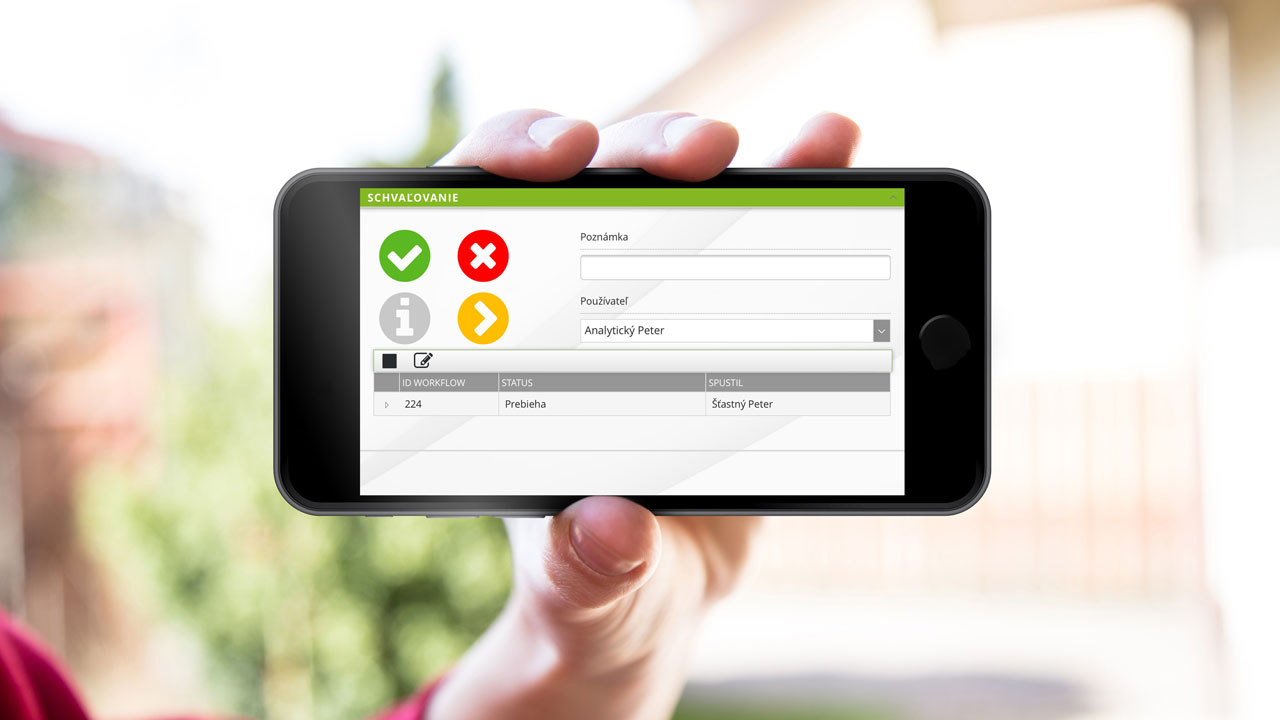
SOFTIP Approval
The application works natively with 2 ERP systems
SOFTIP Approval was originally created for enterprise information system customers SAP Business One and because of the great interest we have created another version of it, which is intended for customers of the information system SOFTIP PROFIT PLUS.
Take control of document circulation in the company
A huge amount of paperwork among a large number of people in a company is eliminated by a simple web application. Manage, approve and archive documents from anywhere, anytime.
SOFTIP Approval will ensure the approval process
SOFTIP Approval was originally created for customers of the SAP Business One enterprise information system and due to the great interest we have created its next version, which is intended for customers of the SOFTIP PROFIT PLUS information system.
The functionality varies from version to version due to the different ERP systems. Our consultants will be happy to show you the details of specific versions during a personal presentation.
ApprovalProfit - SOFTIP PROFIT PLUS
ApprovalProfit is a version of the application natively adapted for use in companies using the SOFTIP PROFIT PLUS enterprise information system.
ApprovalOne - SAP Business One
Differences
Common features
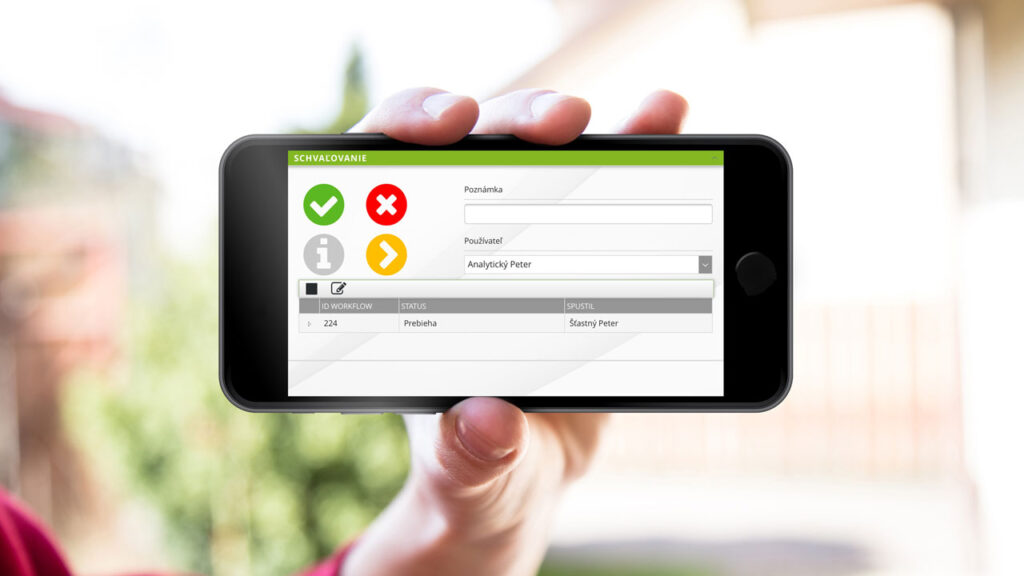
SOFTIP Approval has a uniform technological basis and a uniform visual interface for all versions. It is usable on all standard devices from smartphones to workstations that support current standards for online communication.
Approval of documents
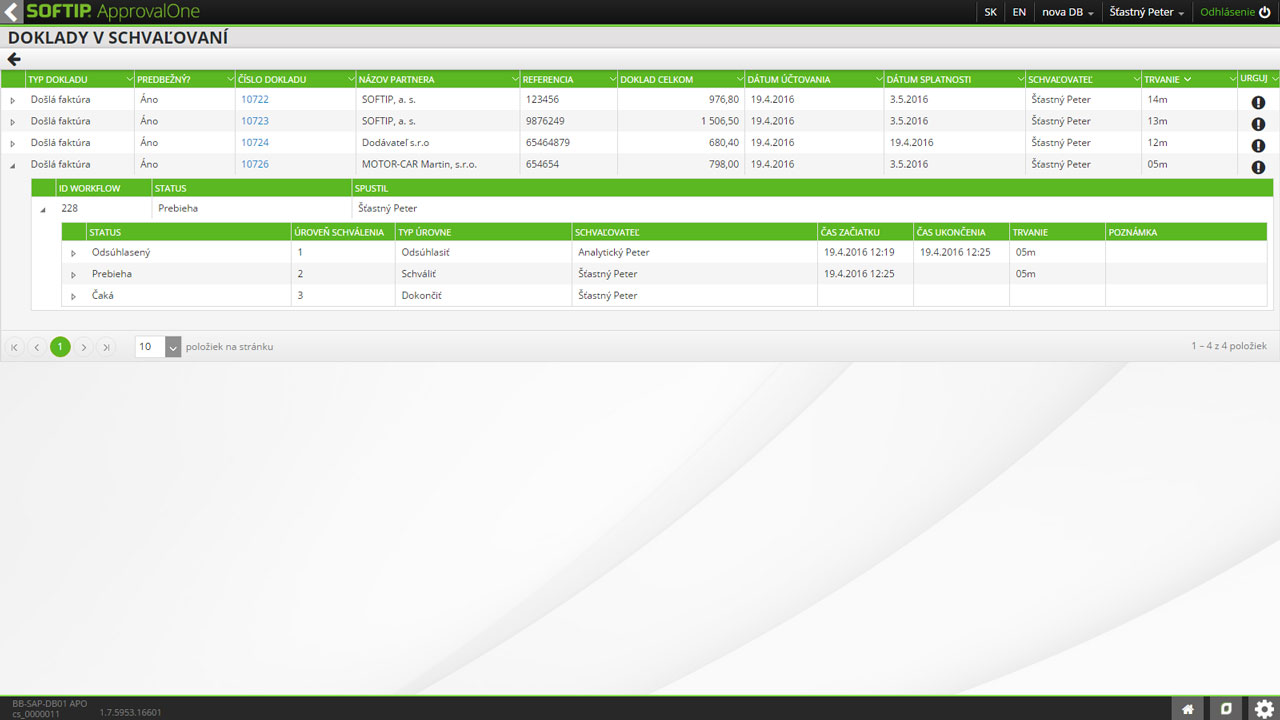
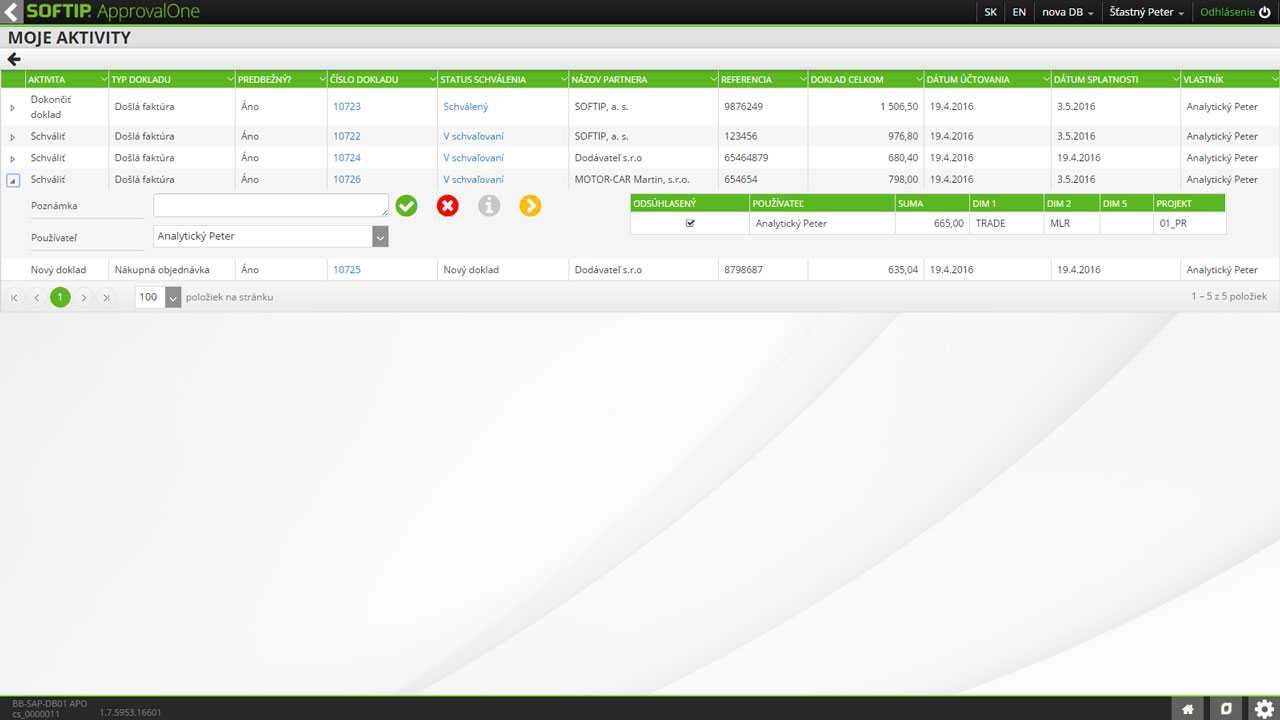
Orders, Incoming invoices, Purchase orders, Any internal documents that have a "counterfoil" recorded in the ERP
Any other document that can also be entered in ERP - "if there is a "window" in ERP, we can make an approval process for it in Approval"
An approval report is automatically generated for each document that has been approved.
Creation of documents
When creating an order, it communicates directly with the ERP and searches it directly in the databases in the ERP, Goods items are also primarily retrieved from the existing codebook in the ERP,
It allows a descriptive definition, which the responsible person already specifies (supplier item) and only after completion enters the approval process,
The documents can be created in ERP or in Approval, but they always end up in the database of the ERP system.
Approval rules
Fixed or variable approval scenario settings
Option to define conditions for automatic assignment of an approval scenario
Powers and competences of the individual authorisers
Substitutability rules.
Communication between approvers
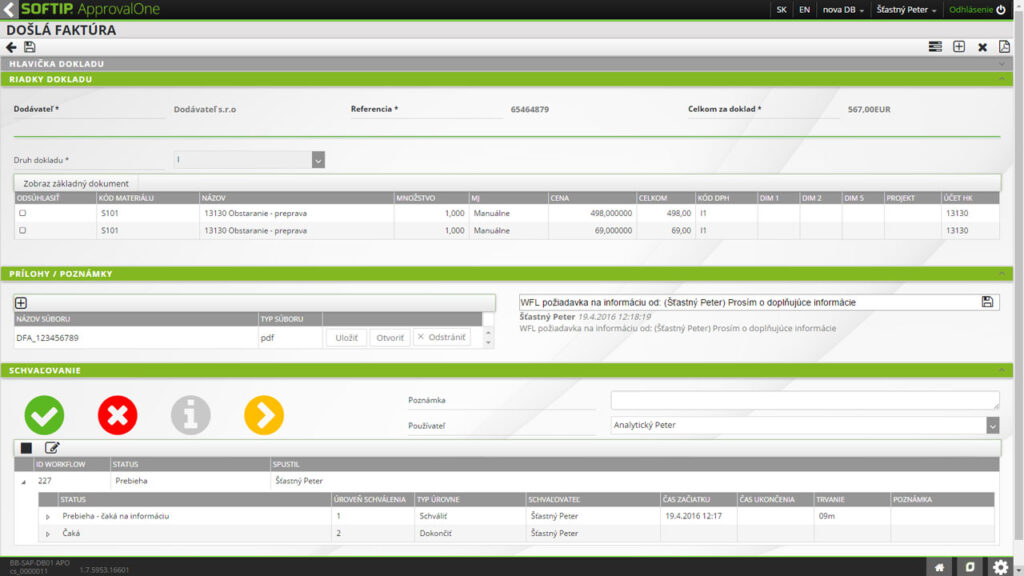
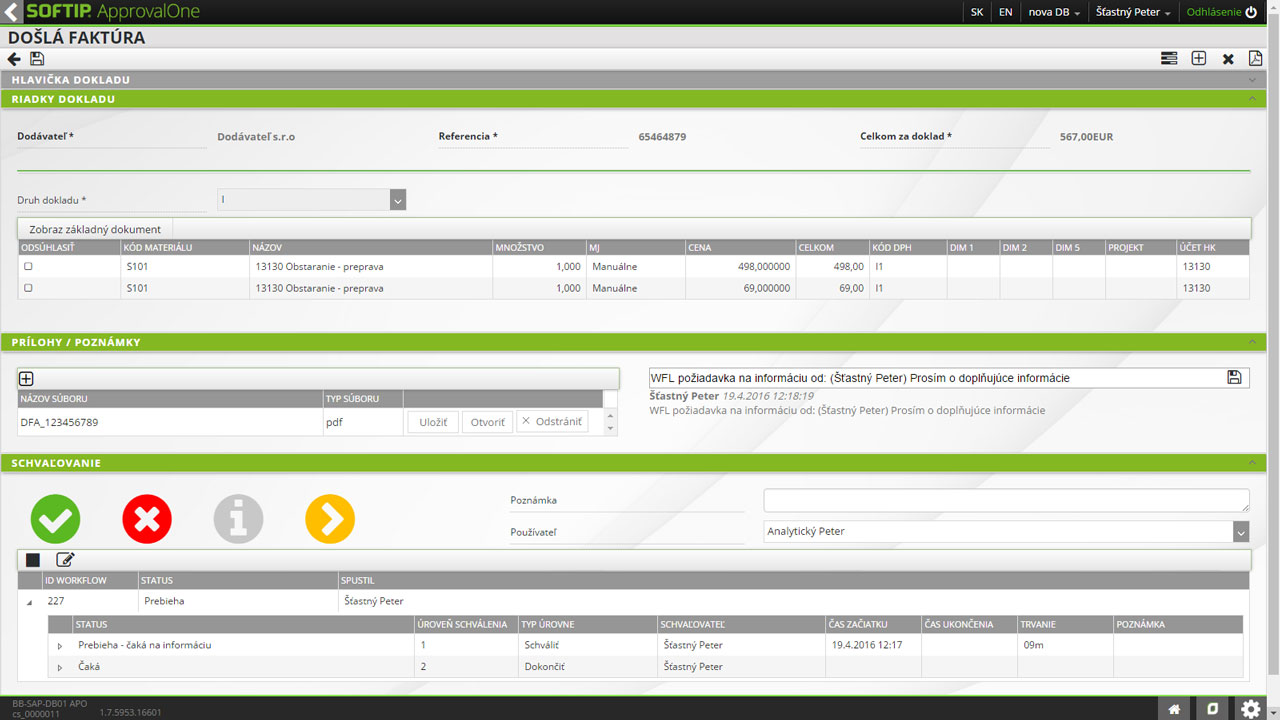
Possibility to request additional information directly on the document in Approval, which is archived with the approval process (replacing email communication).
Clearing of documents
Option to clear the document in the approval process
It can even enter itself into the ERP based on the pre-contractions from Approval.
No more passwords
SOFTIP Approval automatically authenticates you with your domain account so you don't have to remember another password.
More efficient document flow
Companies that want to streamline the flow of documents through their electronic form.
Approval outside ERP
Companies where users who are not ERP users enter the document flow.
Customized processes
Companies that are not comfortable with fixed approval procedures in ERP.
Affordably
Companies that find a standard DMS (document management system) very robust and cost-prohibitive.

Darina Mokranova


The technical requirements for the application are as follows: MS Server: min. 2012 Internet browser: recommended Chrome, IE 10 and higher
Login to the application: via a domain account or assigned account/password.
User management: each user who will approve documents in ApprovalOne needs to be registered in the user management. The account of the approver must also exist in IS SOFTIP PROFIT. At the same time, users who send documents for approval from IS PROFIT (the so-called document owners) must also be registered in the user management.
Roles and rights: ApprovalOne works on a system of assigning users to roles, with each role containing a set of rights.
Who will work with you?