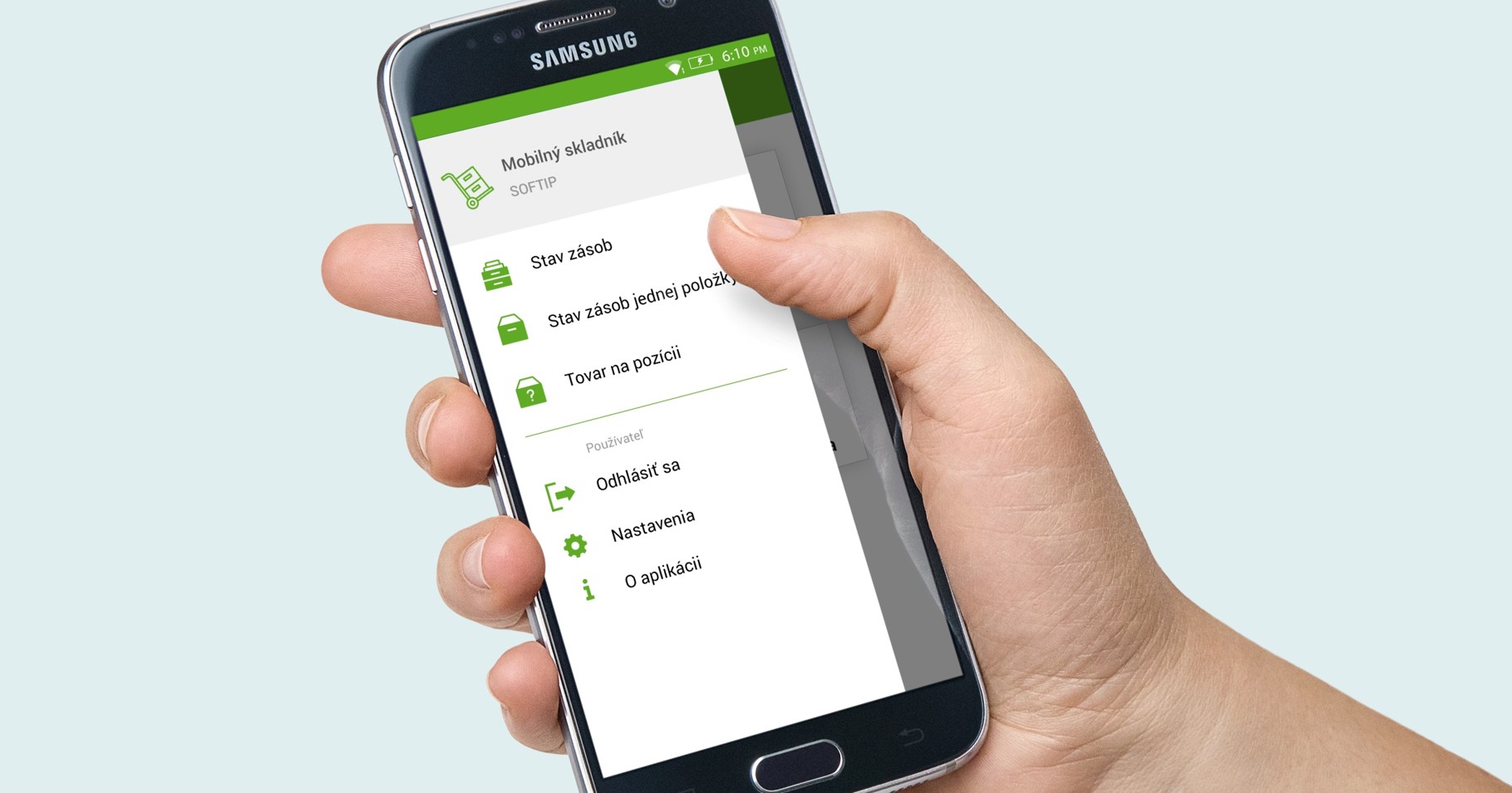
Mobile warehouseman

Perfect overview of goods and stock

Intelligent inventory management

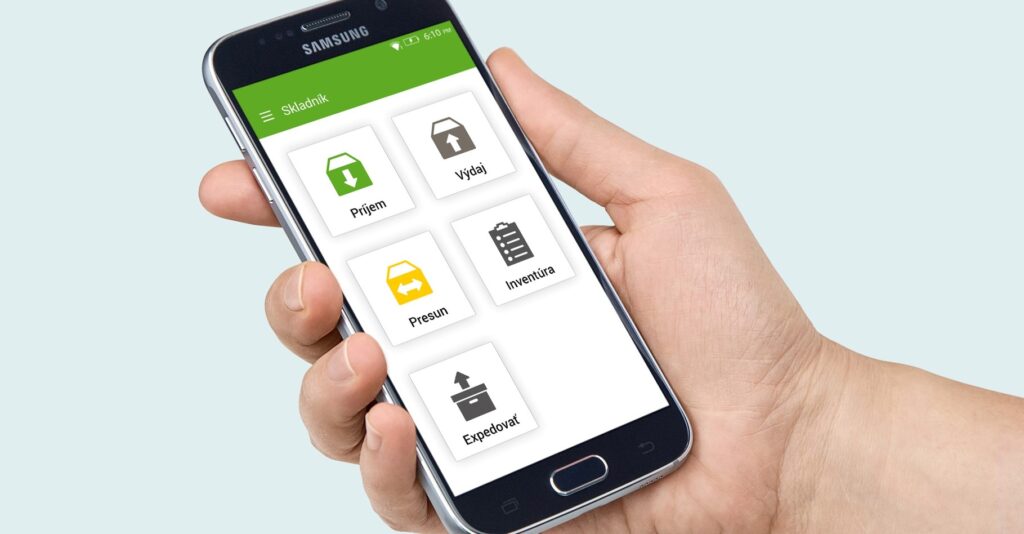
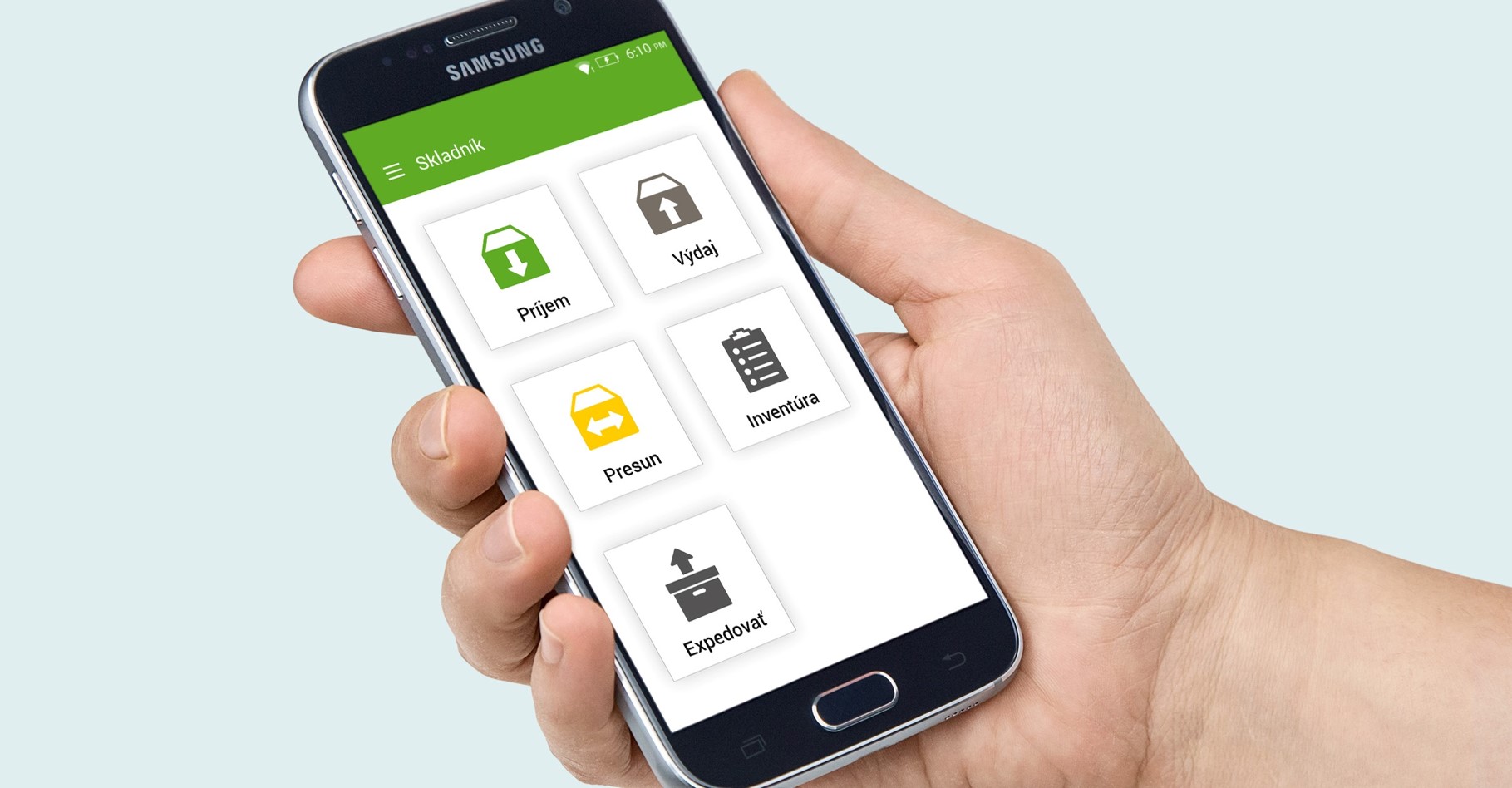
SOFTIP Mobile Warehouseman is a mobile application designed for efficient and convenient warehouse operations with an online link to the warehouse production system. The use of this application achieves:
Higher work efficiency
Accelerated creation of stock movements from receipt of goods according to purchase orders, to picking based on customer orders. The warehouseman verifies the items and confirms their quantity in a simple way, by scanning the QC. The application automatically generates the movements into the production warehouse system.
Perfect stock overview
The warehouseman has a real-time overview of the inventory status of items and their location in the warehouse. He can get an overview outside the production system, at any location in the warehouse.
Minimising errors
The use of barcode identification and verification minimises human error.
Accelerate warehouse inventory
Paperless inventory. Online entry of actual statuses into the production system. Real-time inventory differences at storage locations.
Productivity overview
The application allows you to record the time duration of individual picking operations, which gives you an overview of the time consumption of operations for individual sales cases. By obtaining the average picking time per item, it is possible to predict the picking time for the respective sales cases. It is also possible to obtain this information by warehouse worker.

Applications and system modules

Description of functionality

SOFTIP Mobile Warehouse Manager will streamline the work in your warehouse management by making warehouse operations clearer and simpler. The app works on mobile devices that support Android 6.0 and above. The devices include an integrated barcode scanner and WiFi communication.

Comfortable and easy implementation of warehouse operations

SOFTIP Mobile Warehouse Manager allows you to use PDA devices to efficiently and conveniently perform all warehouse operations, from the receipt of goods into the warehouse, to positions, to their removal according to customer orders.

Display current data on items in stock

Each warehouseman is assigned an account, which he uses to log in to his mobile device. Once logged in, the app allows him to get various real-time stock status reports.

Works with IS SOFTIP PROFIT PLUS modules

The used PDA device communicates and actively cooperates with the following modules of the complex information system SOFTIP PROFIT PLUS.

Comfortable and easy implementation of warehouse operations

SOFTIP Mobile Warehouse Manager allows you to use PDA devices to efficiently and conveniently perform all warehouse operations, from the receipt of goods into the warehouse, to positions, to their removal according to customer orders.

Receipt at the warehouse

Forms of warehouse receipt:

  • Receiving - registration of a warehouse receipt with a binding
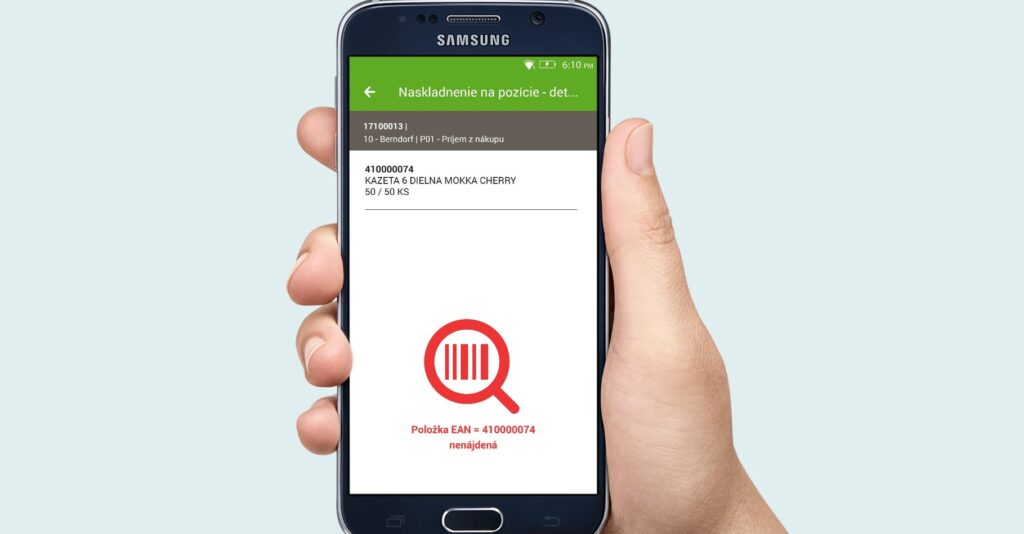
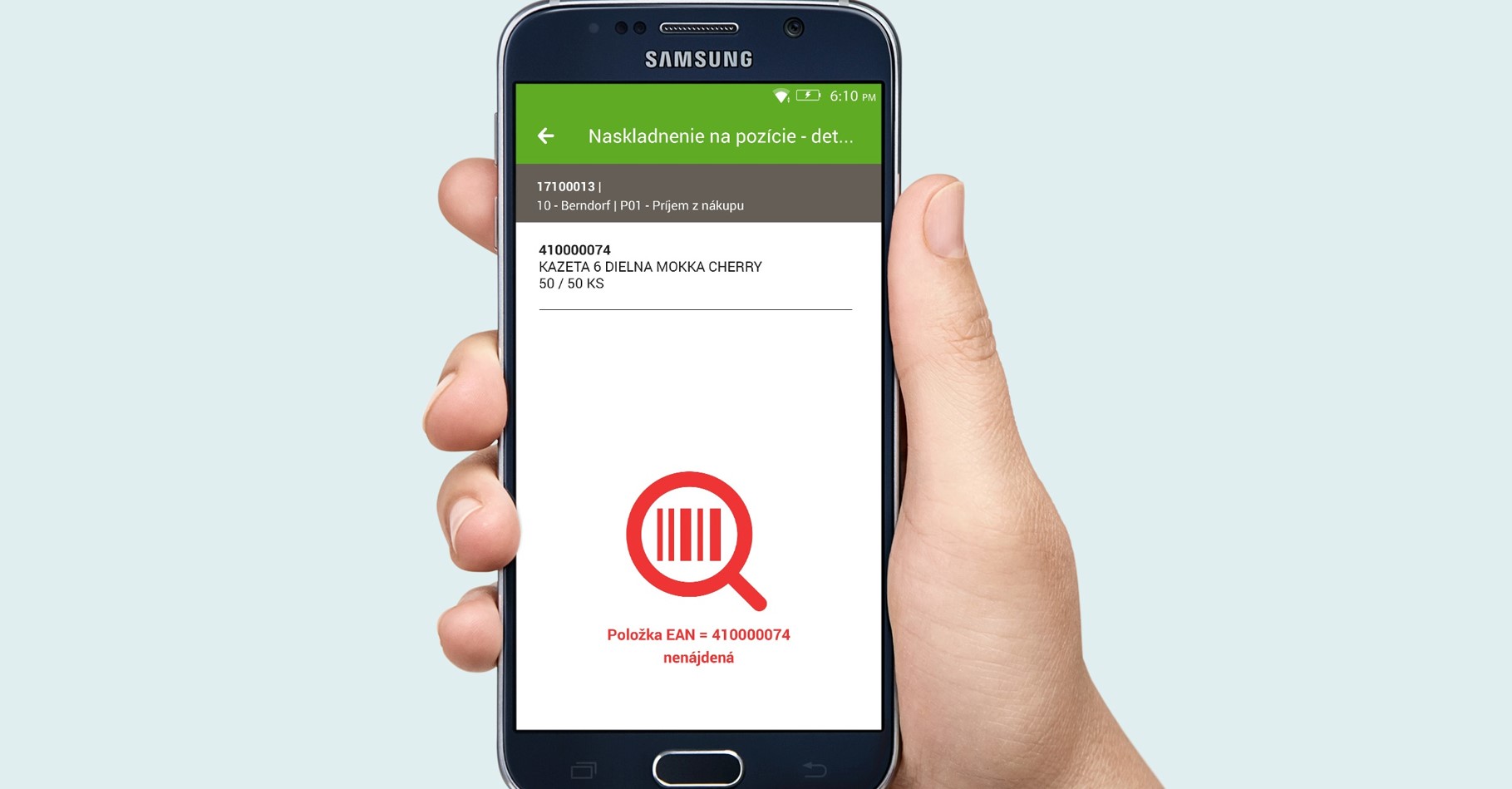
  • Stacking into positions - stacked reception
  • Free income - registered revenue
  • Income from packaging - recorded receipt of the product in the warehouse and recorded dispatch with components in the packaging warehouse.

Move

Forms of stock transfers:

  • Transfer between warehouses - recorded revenue and expenditure
  • Changing positions - the result of the process is 2 movements registered in the "stacker" within one warehouse
  • Changing positions - goods for action (sale days) - e.g. moving to pallet display on the floor
  • Moving to the pack - recorded receipt and dispensing, while the receipt warehouse does not record the storage places.

Issue from warehouse

Forms of dispensing from the warehouse:

  • Issue - a delivery note is created with a link to IS and stock movements
  • Retrieved from to the shop
  • Free spending - a recorded expenditure without a link to another document.

Inventory

The inventory process is divided into 2 stages:

  1. snapshot the actual stock levels of goods in storage via PDA
  2. processing by the process of differences obtained in the warehouse in IS SOFTIP PROFIT PLUS.

Shop

The result of this process is a created fiscal delivery note or dispensing note (or multiple dispensing notes if the DL will be removed from multiple warehouses).

Repairs

Operations in this section require confirmation in the second part of the system in which they were created

  • Stacker - receiving
  • Stacker - dispensing.

Display current data on items in stock

Each warehouseman is assigned an account, which he uses to log in to his mobile device. Once logged in, the app allows him to get various real-time stock status reports.

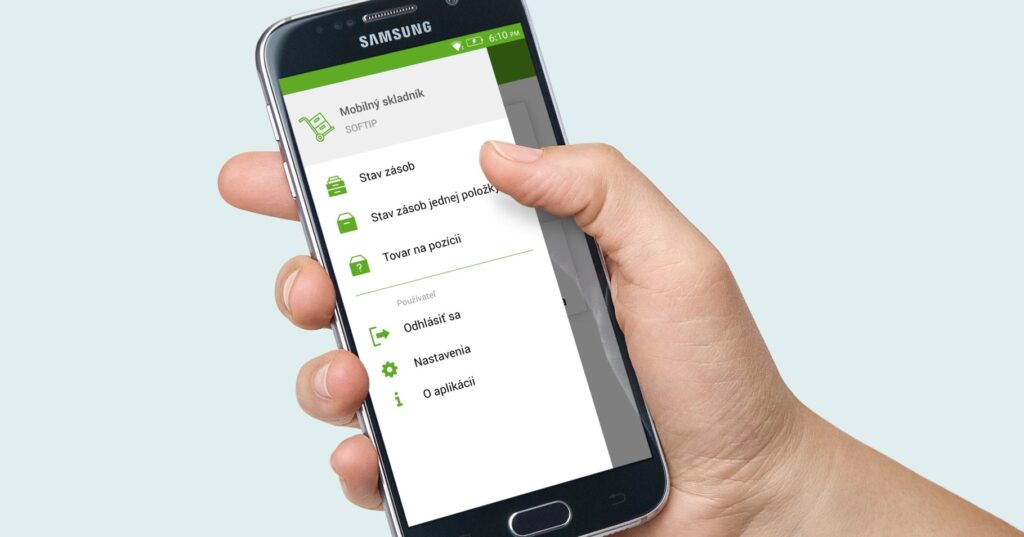
Inventory status

Displays the stock status of all items from the selected warehouse.

  • item code
  • name of the item
  • stock quantity/available quantity and stock unit of measure.

Goods in position

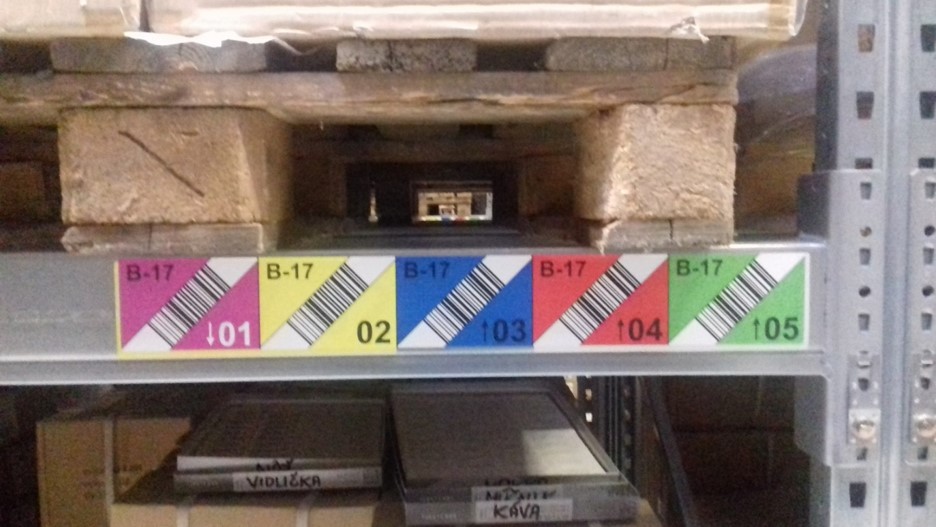
After scanning the barcode of the position, a list of goods at that position and their quantity will be displayed on the screen of the mobile device.

Stock status of one item

Displays the stock status of one item from all warehouses. 

After scanning the EAN code of the item, it will be displayed:

  • warehouse code
  • code and name of the item
  • stock quantity/available quantity and stock unit of measure

When you click on an item, a list of all the positions where the item is located will be displayed, along with the quantity in that position.

Works with IS SOFTIP PROFIT PLUS modules

The used PDA device communicates and actively cooperates with the following modules of the complex information system SOFTIP PROFIT PLUS.

Customer orders

Order registration in the following ways:

  • change of species
  • warehouseman assignment
  • update on implementation
  • estimation of the duration of order backlogs

Issuing an internal packing order - which will serve as a basis for the processes carried out via PDA (Move to pack and Receive from pack).

Delivery lists

Records - Delivery notes

  • DL statuses - change of DL status (newly registered / terminated DL)
  • change of delivery date
  • fiscal DL - the program monitors whether all goods from the DL have been removed from the warehouse. If so, the program will allow to create a receipt.

Warehouse

  • Evidence - Documents - button "Print for vol." - the user is set to the selected warehouse document and confirms the button "Print by volume". From the selected warehouse document, the program detects the OOBJ number from which the warehouse document is created. It then searches for all warehouse documents related to the OOBJ
  • Overview of activities on PDA - the program displays the monitored activities performed via PDA in a window
  • Overview of activities on PDA by workers - the program displays the monitored activities performed via PDA by workers in the window.

Further case studies

Improve processes across the enterprise with Mobile Warehouse

Product support

I will help you find answers to all the important questions and get to know the details of using the SOFTIP Mobile Warehouse solution.

blank

Radovan Bálent

Product Manager
SOFTIP PROFIT PLUS
Want to know more?

Arrange a consultation

* All fields except the "Notes" field are required.
By submitting the form, you confirm that you are aware of the data processing for the purpose of the consultation.
(Legal basis: Pre-contractual relations / Legitimate interest).

Who will work with you?

We will help you find answers to all important questions and get to know the details of using the SOFTIP Mobile Warehouse.

blank

Radovan Bálent

Product Manager

SOFTIP PROFIT PLUS
I want to contact SOFTIP

I am a SOFTIP customer and I need help with a problem in our current solution

I am interested in a new offer or more information about SOFTIP solutions